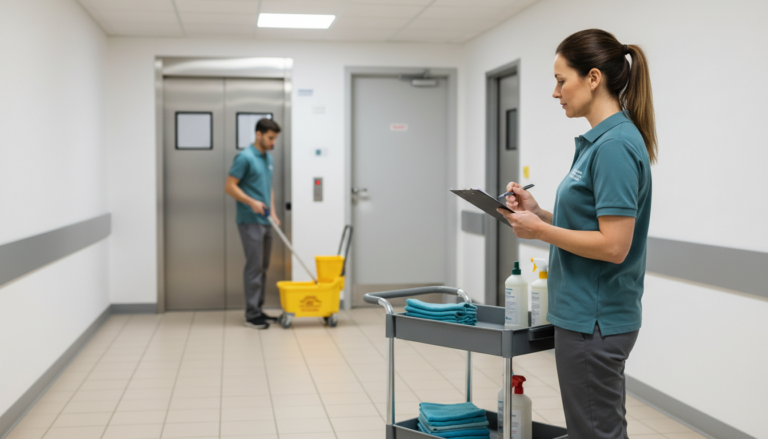
Cleaning Shift Scheduling Best Practices for Commercial Cleaning Teams
Cleaning shift scheduling works when it accounts for how commercial cleaning actually happens: split hours, multiple sites, and a workforce that turns over faster than most industries. The best schedules assign realistic shift windows, build in backup coverage for callouts, and confirm that each shift happened instead of just assuming it did.
This guide covers the scheduling practices that keep commercial cleaning crews on time and accountable, whether you run a single building or dozens of sites across a region.
What Is Cleaning Shift Scheduling?
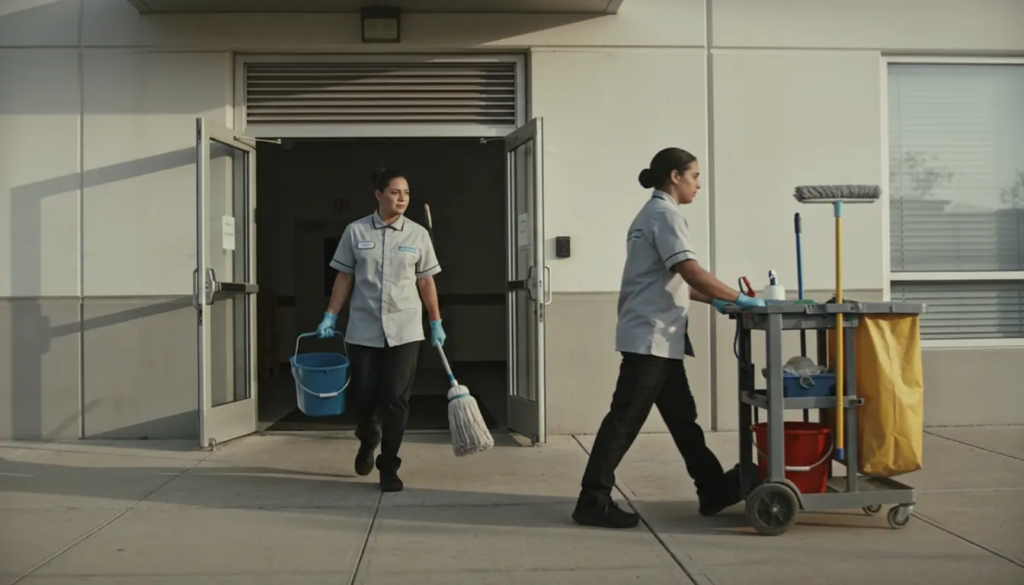
Cleaning shift scheduling is the process of assigning cleaners to specific shifts, sites, and tasks so that every location gets serviced during its available access window. Unlike a typical nine-to-five workforce, cleaning crews often work early mornings, late evenings, or overnight, because most client sites need to stay open and staffed during business hours.
A workable schedule accounts for three things at once: which cleaner is qualified and available, which site needs coverage and when, and how much time each task actually takes. When any one of those pieces goes stale, for example a schedule built around a cleaner who left months ago, the whole system starts producing missed cleans and last-minute scrambling.
Why Cleaning Schedules Break Down Faster Than Other Industries
Commercial cleaning schedules face more pressure than most service schedules, because turnover, split shifts, and dispersed sites compound each other. According to the U.S. Bureau of Labor Statistics, most janitors and building cleaners work full time, although part-time work is common, and many clean buildings during evening or overnight hours specifically because the space is empty during those hours. As a result, coverage is harder to plan than a standard daytime shift.
Because of this pressure, several failure points show up again and again in cleaning schedules:
- Schedules built around whoever was available last month, not who is actually available now
- No standardized backup plan for when a cleaner calls out
- One shift-length template for every site, even though a hospital wing and a small retail store need very different visit lengths
- No record confirming whether a shift actually happened, only that the schedule assigned it
Since these failures compound, a single missed shift can cascade into a missed client deadline, a quality complaint, and extra overtime the following week to catch up.
Best Practice 1: Build Shifts Around Real Site Access Windows
Start with the site, not the roster. Every site has an access window: a retail store might only allow cleaning after closing, while a medical office may need a midday touch-up between patient visits. Building the schedule around these windows first, and then slotting in cleaners, produces more realistic shift lengths than starting from available staff and working backward.
This approach also prevents a common mistake: assigning the same shift length to every site regardless of square footage or task list. A 3,000-square-foot office and a 15,000-square-foot warehouse do not clean in the same amount of time, so shift length should reflect the actual scope of work rather than a company-wide default.
Best Practice 2: Standardize the Recurring Schedule, Then Manage Exceptions Separately
Most cleaning contracts run on a recurring cadence, whether nightly, three times a week, or a fixed weekly rotation. Building that recurring pattern once, as a template, saves the scheduler from rebuilding the same assignments every week and reduces the chance of a site getting skipped by mistake.
However, exceptions still happen: a client requests a one-time deep clean, a holiday closes a site, or a new contract starts mid-month. Treating exceptions as adjustments to the standard template, instead of rebuilding the whole schedule from scratch, keeps the recurring pattern intact and makes drift easier to spot.
Best Practice 3: Build Backup Coverage Into Every Shift
Cleaning relies on part-time and shift-based labor more heavily than most service industries, which means callouts are not an edge case; they are a weekly occurrence. A schedule with no backup plan turns every callout into an emergency.
Practical backup coverage usually means keeping a short list of cross-trained cleaners who know more than one site’s layout, and building a small buffer of available hours into the weekly plan instead of scheduling every cleaner at full capacity. Some operations also stagger shift start times slightly across a team, so a late arrival at one site does not leave every other site short-staffed at the same time.
Best Practice 4: Match Staffing to Site Requirements, Not Average Headcount
Averaging headcount across all sites is a fast way to build a schedule, but it usually understaffs the most demanding locations and overstaffs the easiest ones. A better approach ties staffing to the actual scope of each site, including square footage, task list, floor type, and any specialized services such as floor stripping or high-dusting.
This distinction matters even more for multi-site operations, where a scheduler balances dozens of locations with different contracts, access hours, and service levels. A scheduling approach built for multi-site cleaning companies treats each site’s requirements as data, rather than relying on memory or a shared spreadsheet, so it scales further as the portfolio grows.
Best Practice 5: Track Attendance and Proof of Service, Not Just Assignments
An assigned shift is not the same as a completed shift. Without a way to confirm that a cleaner arrived, worked the scheduled hours, and finished the task list, a schedule is really just a plan rather than a record.
This is where scheduling and accountability start to overlap. Platforms built for commercial cleaning, including Cimplio, combine shift scheduling with attendance tracking, GPS-based check-ins, and digital checklists, so a completed shift generates its own proof of service automatically. That record becomes useful well beyond payroll, since it is what a manager pulls up when a client disputes an invoice or asks which task the crew skipped.
For a growing cleaning company, this shift from assignment-only scheduling to verified scheduling is often the difference between reacting to complaints and catching problems before a client notices them.
Best Practice 6: Communicate Schedule Changes in Real Time
A schedule that lives only in a spreadsheet or a printed sheet in a supply closet cannot update itself when a site adds an urgent request or a cleaner calls out early in the morning. Mobile access matters here, because cleaners need to see their shift for the day and schedulers need a way to push last-minute changes without a round of phone calls.
Real-time communication also closes the loop with clients. When a site manager can see that a shift is in progress or that a cleaner has finished it, that visibility removes the guesswork that otherwise turns into a phone call asking whether anyone showed up.
A Practical Example
Consider a contract cleaning company running twelve accounts: eight retail stores that need evening service after closing, and four medical offices that need a midday touch-up plus a full evening clean. Scheduled by headcount alone, this company might rotate the same four cleaners across all twelve sites without accounting for the midday visits.
Applying the practices above changes the plan. The medical offices get a dedicated midday shift block, built around each office’s actual visit hours instead of an average. Backup coverage means two cross-trained cleaners can step into any retail site if a regular cleaner calls out. Because the platform logs attendance and task completion for every shift, the operations manager can confirm by 9 p.m. that crews serviced every site, instead of waiting for a client complaint the next morning.
Manual Scheduling vs. Scheduling Software: What Changes
Spreadsheets and paper schedules work well for a handful of sites managed by one person. As the number of accounts grows, however, manual scheduling starts to show its limits: no automatic alerts for conflicts, no mobile access for field staff, and no built-in record of what actually happened during a shift.
Dedicated cleaning scheduling software trades that manual overhead for automated recurring schedules, mobile shift visibility, and a linked record of attendance and completed tasks. The trade-off is a learning curve during setup, and for a very small operation with one or two sites, software may be more capability than the business needs yet. For a closer look at where the line falls, see this comparison of cleaning software versus spreadsheets.
Getting Started With Better Shift Scheduling
Improving cleaning shift scheduling does not require replacing every process at once. A practical rollout usually starts with mapping actual site access windows and time-on-task instead of relying on habit, then building the recurring weekly template from that data. From there, adding a documented backup plan and a way to verify completed shifts closes the two biggest gaps most cleaning operations have: unplanned callouts and unverified work.
Because each step builds on the last, a company can adopt them gradually, starting with the sites that cause the most scheduling headaches, and expand from there as the process proves out.
Conclusion
Cleaning shift scheduling works best when it reflects how cleaning operations actually run: split hours, multiple sites, and a workforce where callouts happen every week. Building shifts around real site windows, standardizing the recurring plan, and tracking whether a shift actually happened turns a fragile schedule into a reliable one.
None of these practices require a full operational overhaul on day one. Most cleaning companies see the biggest improvement simply by fixing backup coverage and adding a way to confirm completed shifts, since those two gaps cause the most missed cleans and client disputes.
Request a Cimplio demo to see how scheduling, attendance, and proof of service come together in one system.
FAQ
How far in advance should cleaning shift schedules be published?
Most cleaning operations publish schedules at least one week ahead, since cleaners need time to plan around the shift and managers need time to spot and fill any coverage gaps before they cause a missed clean.
Is cleaning shift scheduling software worth it for a single-site cleaning business?
A single site with a stable team can often run on a simple recurring schedule and a phone-based backup plan. Software tends to pay off once a business adds sites, shifts, or subcontracted crews, because manual tracking gets harder to manage accurately at that scale.
How does shift scheduling affect client retention?
Clients notice missed or late cleans faster than they notice good ones, so reliable scheduling directly affects contract renewals. Built-in proof of service also gives a company a fast, factual answer when a client questions whether a shift happened.
Are spreadsheets enough for scheduling a growing cleaning business?
Spreadsheets work for a handful of sites managed by one scheduler, but they do not send mobile alerts, flag double-bookings, or record what actually happened on-site. Most companies outgrow them once they pass roughly ten to fifteen active accounts.
What is the most common mistake in cleaning shift scheduling?
Assigning shifts based on availability alone, with no backup plan for callouts. Because cleaning relies heavily on part-time and shift-based labor, a schedule with no coverage buffer turns almost every callout into a missed clean.
Does the same scheduling approach work for different types of cleaning businesses?
Yes. The same core practices, matching shift length to site scope, standardizing recurring plans, and verifying completed shifts, apply to office cleaning, retail, healthcare, and multi-site contract cleaning, though the specific access windows and task lists vary by site type.